Password Dictionary Text
This is a multiple part series for someone new to wireless hacking, with pictures and videos. Using Aircrack and a Dictionary to Crack a WPA Data Capture If you have a WPA handshake capture and cannot crack it yourself then there are services online that for a price will crack it for you. To get started you should already have a WPA handshake file and Kali Linux running. Getting a good dictionary can be hard but finding good ones, or creating them yourself with Crunch, is necessary to try and use this method. I have setup a with a WPA wordlist/Dictionaries that can be used if needed. Keep in mind the dictionary file is only a simple text file that can be edited with any text editing program, such as notepad. Don’t use Microsoft Word or Open Office as they make changes that render a wordlist unusable.
Dec 9, 2016 - If you didn't get your required password in that dictionary or file you might wanna follow our custom wordlist tutorial for creating your own. This article list out all kinds of password cracking tools for you to choose. S network security.This method of password cracking is very fast for short length passwords but for long length passwords dictionary attack technique. Large-scale-time-memory-trade-off is a process of computing all hashes and plain text using a selected hash. Dictionary.com is the world’s leading online source for English definitions, synonyms, word origins, audio pronunciations, example sentences, slang phrases, idioms, word games, legal and medical terms, Word of the Day and more. This dictionary is basically a text file (filename.txt) with words that aircrack should use to access the network, so basically the following text is a password dictionary (every password is divided by a new line).
Dictionary Attack Word List Download
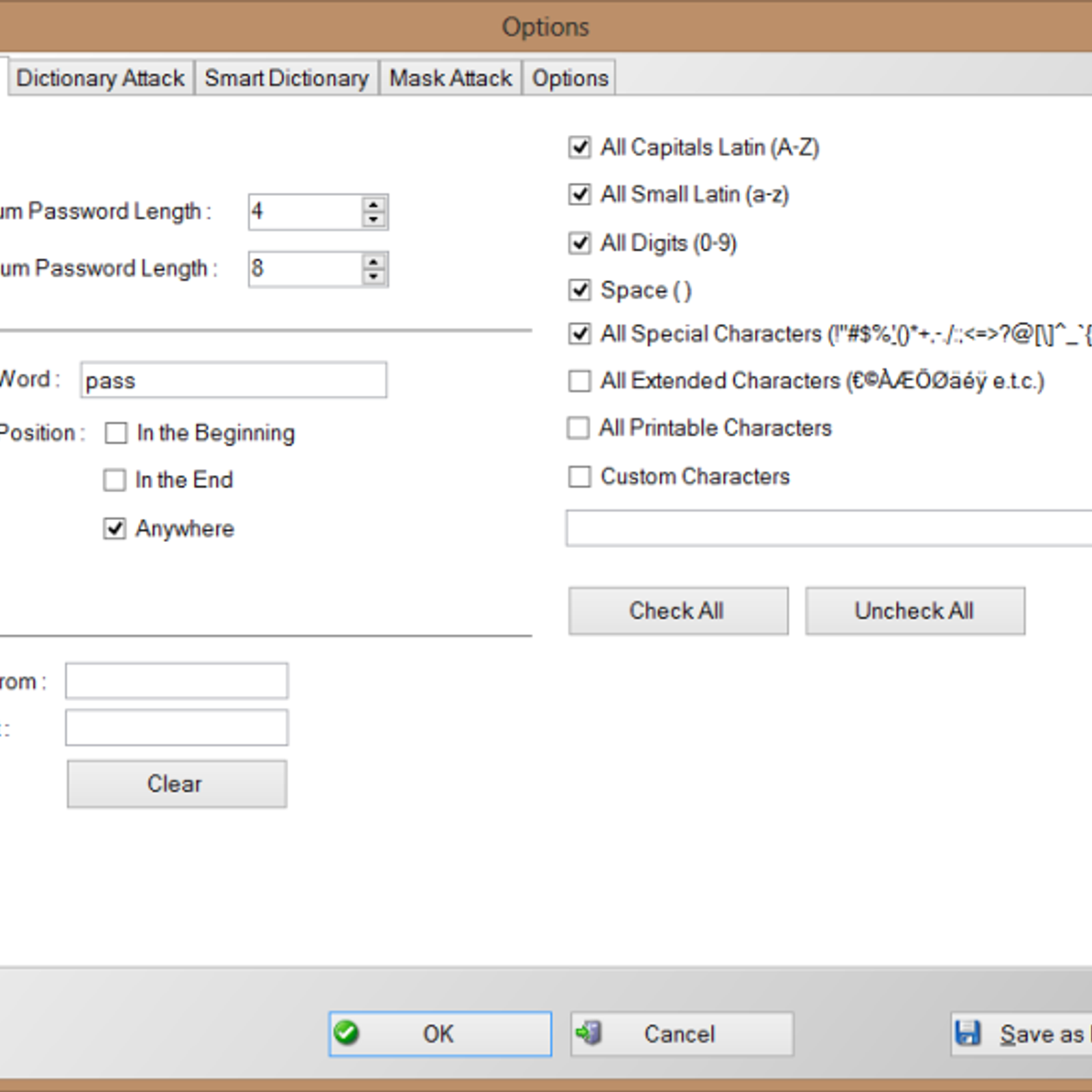
If you know a person well enough you can try and type as many guesses as you can think of in a text file then use that as your dictionary. The default storage for a WPA handshake is under /root and will be there under the name it was given when captured.
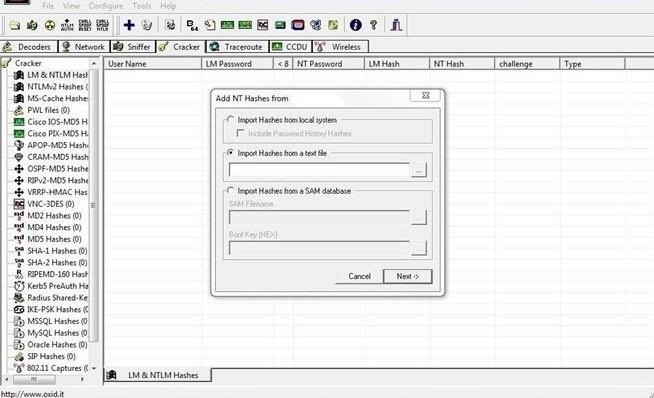
Open a terminal window and type the command “ls” the data capture should be there. The file type we want to use is the.CAP file The dictionary that we will use for this example is called dict.txt. We will be using Aircrack to do the cracking and the command to do this is: aircrack-ng (file name) -w (dictionary location) Where the file name is the handshake file that was captured and the dictionary location is the path to the dictionary. The location of where these two files are and their names will be up to you.
The usual default location of the handshake file is under /root and is whatever name it was called when captured. We will be using a dictionary called dict.txt for this example that I copied to /root. So the command for me to do this would be: “aircrack-ng dlink.cap -w dict.txt” If done right Aircrack should start and begin to try to crack the WPA handshake capture with the dictionary.
If the dictionary finds it, it will show as above with the “KEY FOUND” if not, then another dictionary will need to be used. For this example, I edited the text dictionary file and put the password in to show what it looks like when it is found.
Is it actually safe to use Password Checkers? If you’re reading this section, then good – the quickest way to get hacked online is to be too trusting or assume websites are automatically safe.
It’s good to be cautious and it’s never a good idea to enter your legitimate credentials into any website you are not confident about. The ones to watch especially are those who ask you to input your credentials. So, why is this Password Strength Meter safe? • The passwords you type never leave your browser and we don’t store them (You can disconnect your internet connection and then try it if you wish) • All the checking is done on the page you’re on, not on our servers • Even if the password was sent to us, we wouldn’t actually know who you were anyway – so couldn’t match it up to any usernames or any websites you may visit • We’re in the business of making people more secure online and the last thing we want to see is passwords being transmitted across the internet insecurely. How does My1Login's Password Strength Checker work?